Education plans
Prepare a course or transfer plan with reference material close at hand. Confirm official requirements with your counselor.

Education and student support · by Tristin Hassell
Plan your classes and forms
iPhone with iOS 18 or later
The examples use Riverbend Community College, an invented sample college.
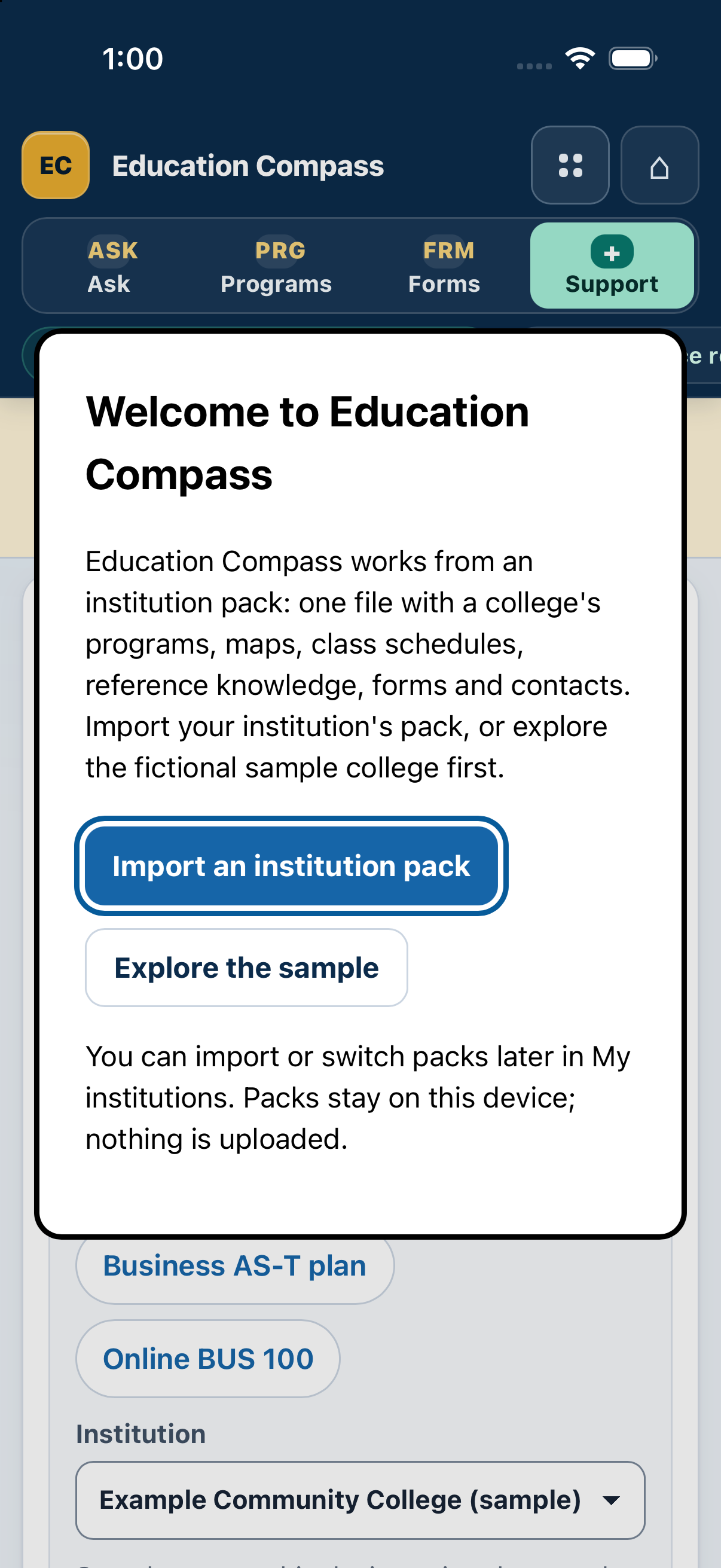
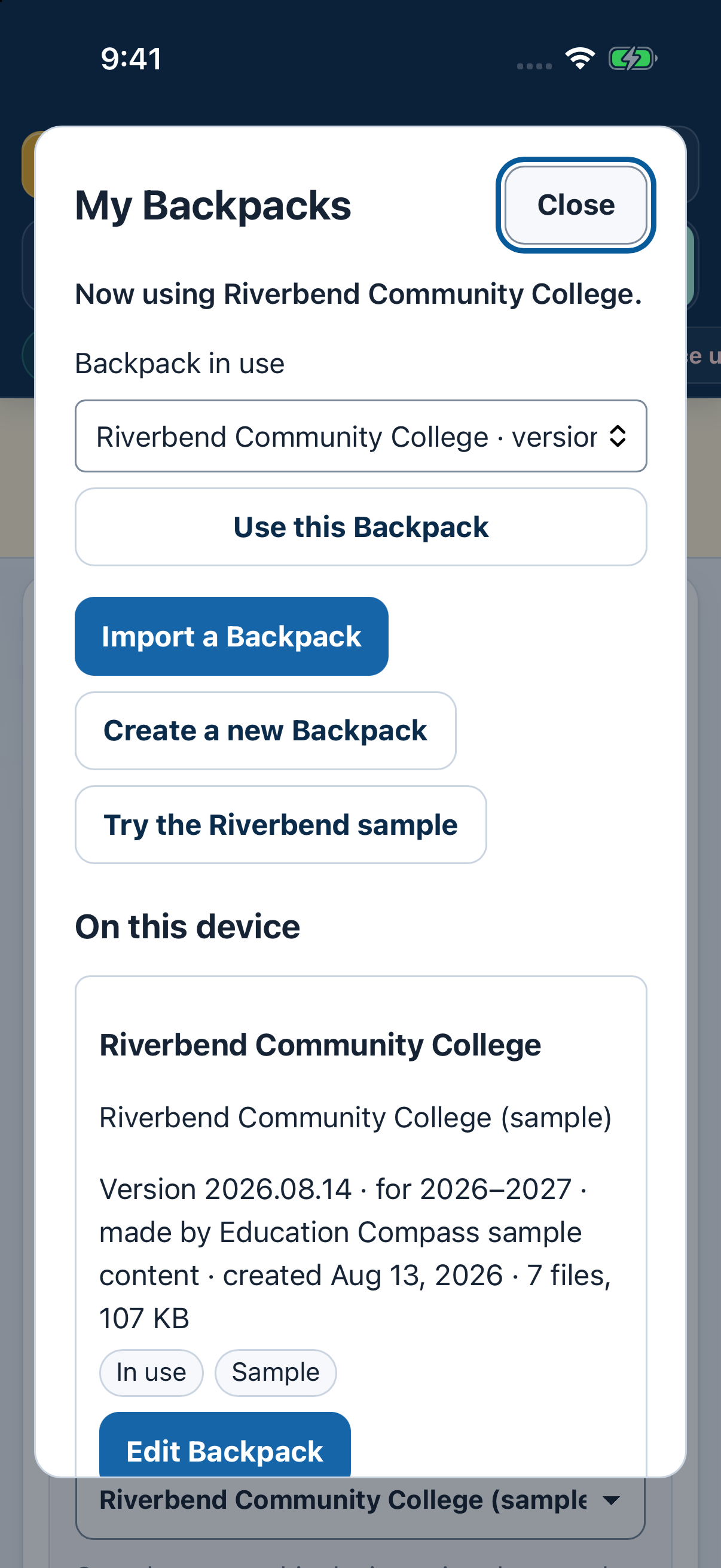
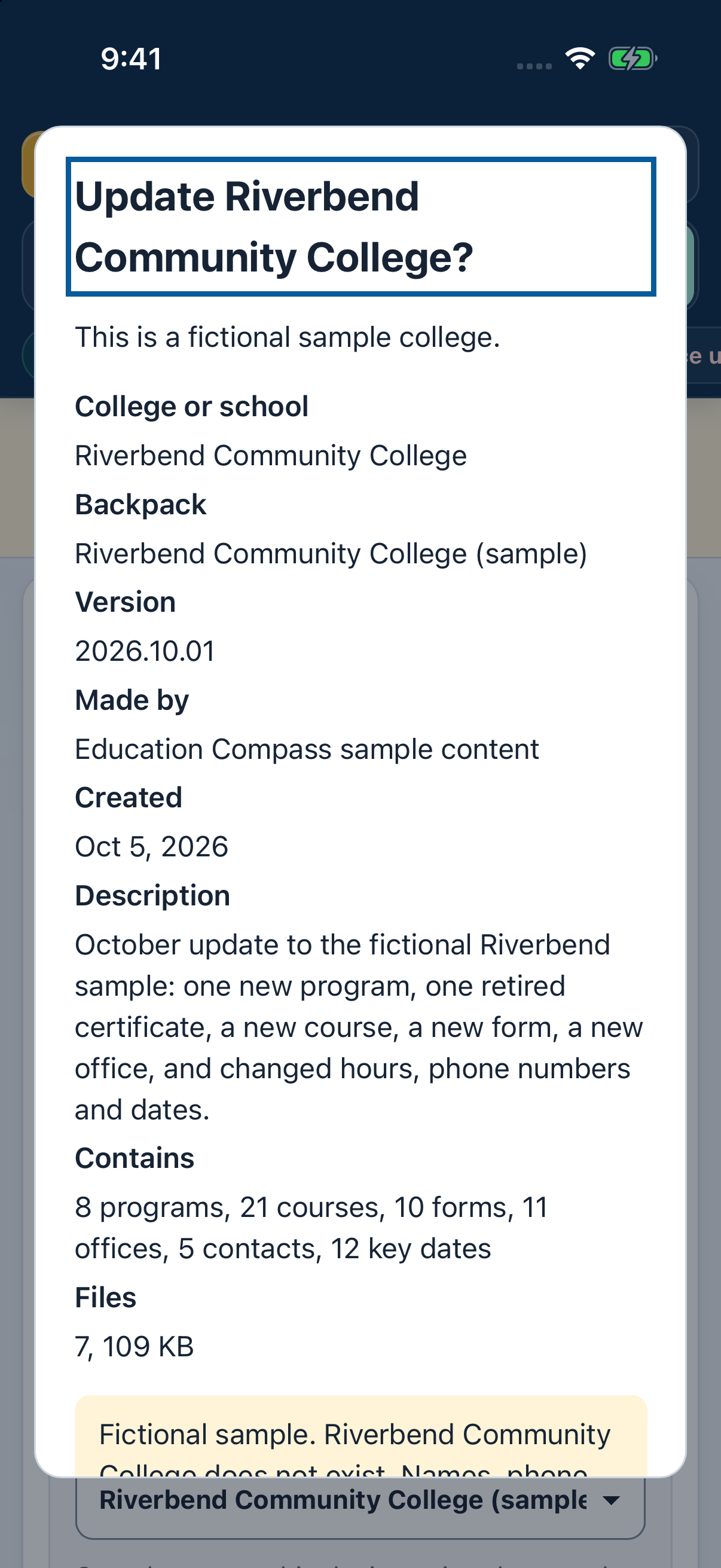
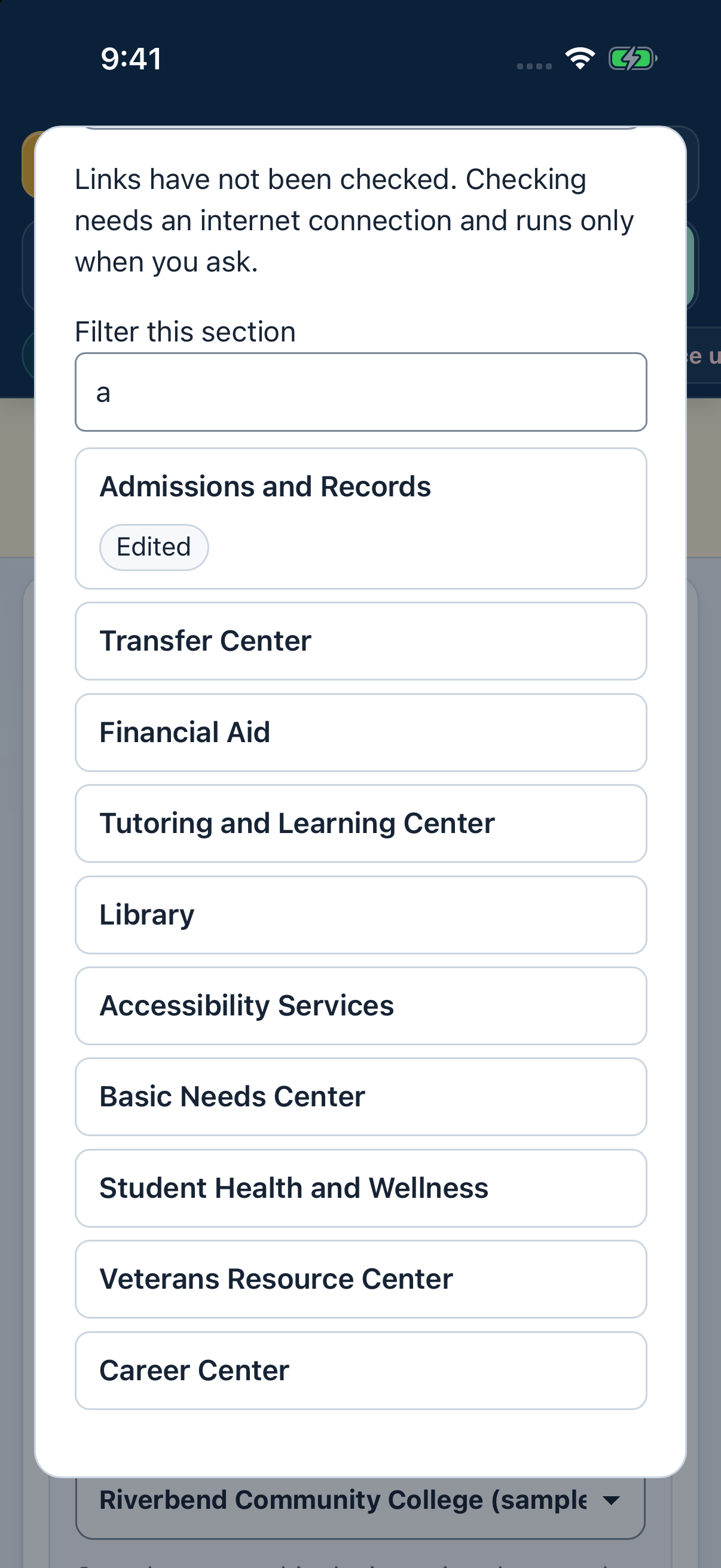
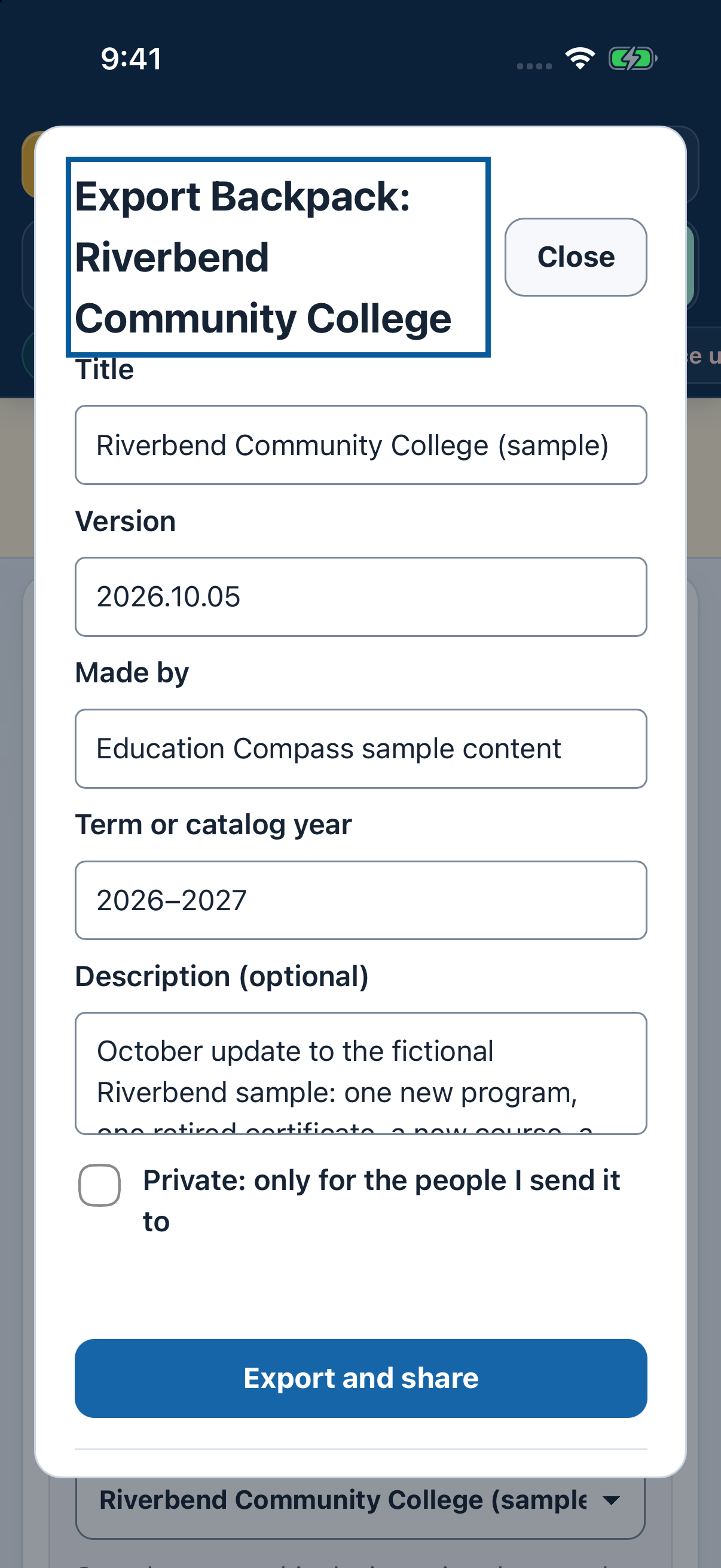
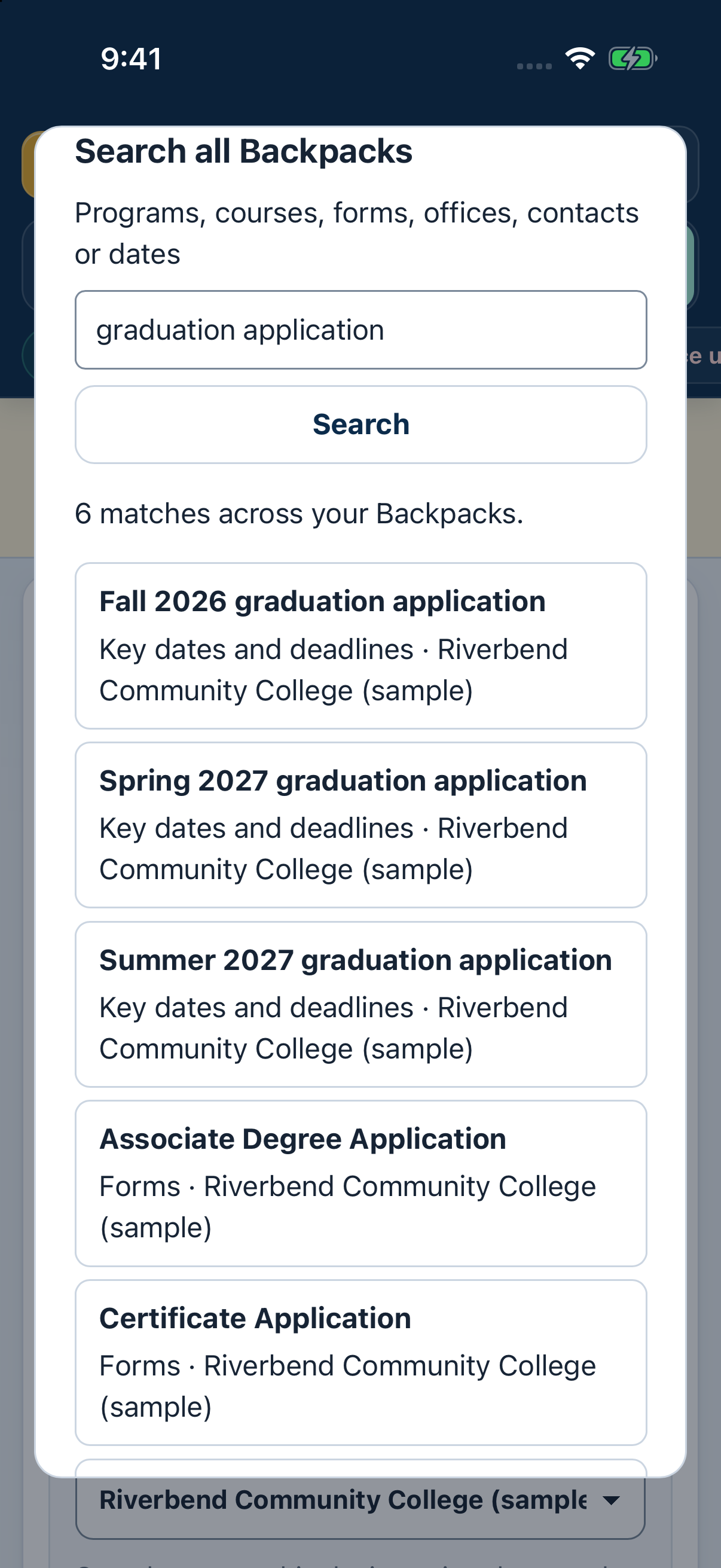
Try the sample college, or import a Backpack your school or counselor gives you. Keep programs, forms, offices and key dates close at hand while you prepare your education plan.
Prepare a course or transfer plan with reference material close at hand. Confirm official requirements with your counselor.
Search programs, forms and contacts across your Backpacks without an internet connection.
Import your college’s Backpack from Files, Mail, Messages or AirDrop. See what’s inside before you install it, edit it, update it with undo, or export it to share.
Start a new Backpack from one of four templates. Keep different colleges’ information separate and add the references you need.
Choose Check links and confirm before the app contacts the linked websites. Each site receives its web address, including anything written in it; your plans and notes are not attached.
Save an education plan or share it through Files, Mail, AirDrop or another app you choose.
A single file with one college’s programs, forms, offices and key dates. Import it once and it works offline. Counselors can make and share their own.
No. Use it to prepare, then confirm your plan with your counselor.
Start with the sample college, or import a Backpack your school or counselor gives you.
Yes. Make one from a template, edit its contents and export it to share.
No. After you confirm, it sends each linked website its requested address, not the Backpack file. Anything you write in the address goes to that website, so leave private information out. Nothing runs automatically.
Email hello@gatheredcommonspress.com. I answer within three business days.
Software by Tristin Hassell. Published by Gathered Commons Press LLC.